Testing dealership user access
The Dealership Login tool helps Super Admin check what a linked user can see before giving access to a real customer or demo account.
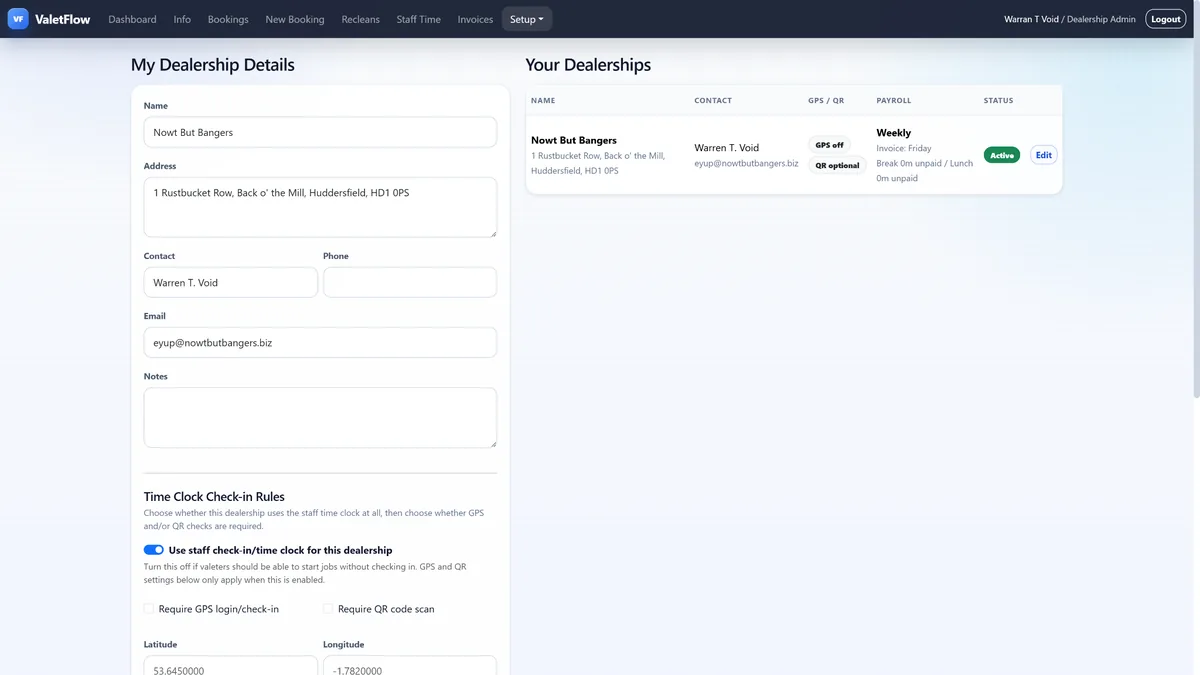
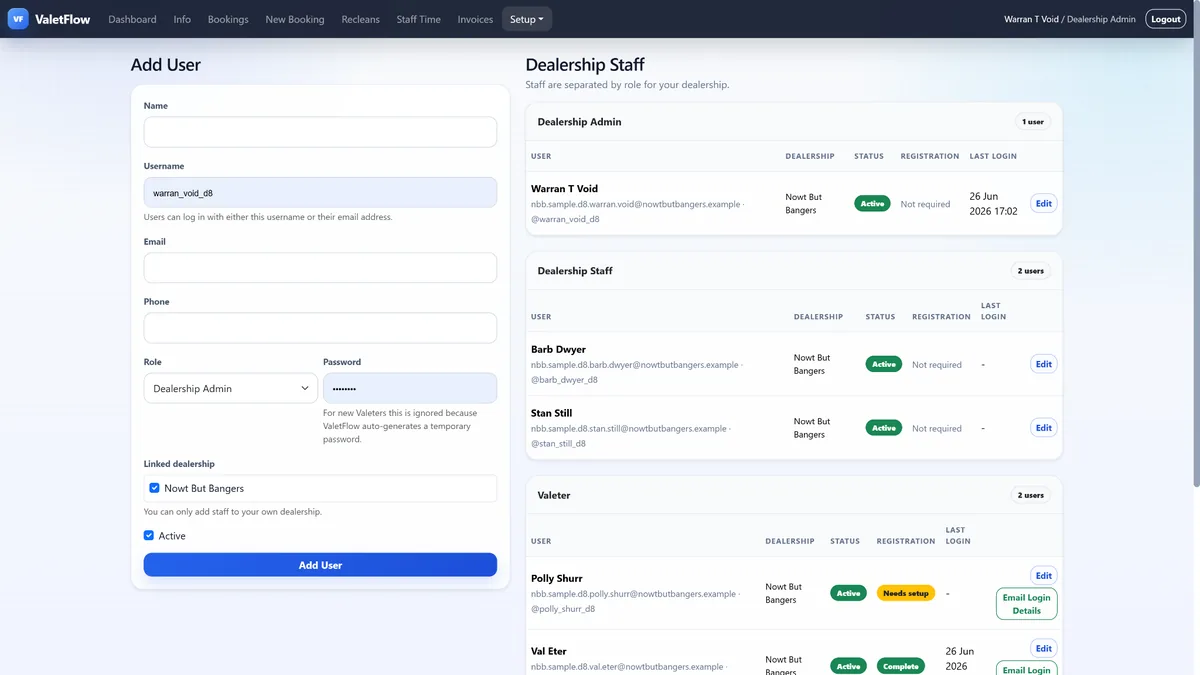
Go to Setup, then Dealership Login. Select the dealership first, then choose a linked user to sign in as. Dealership-only roles and linked Staff Manager accounts can appear, with platform-level users clearly labelled so access differences are not missed.
Use this after creating a user, linking them to a dealership or changing their role. If a user does not appear, check they are assigned to the dealership and that their account is active.
When testing is finished, stop impersonation so you return to your own Super Admin session.
See ValetFlow in action
Screenshots from the ValetFlow demo/manual showing how the system looks in day-to-day use.