Using the Live Job Board
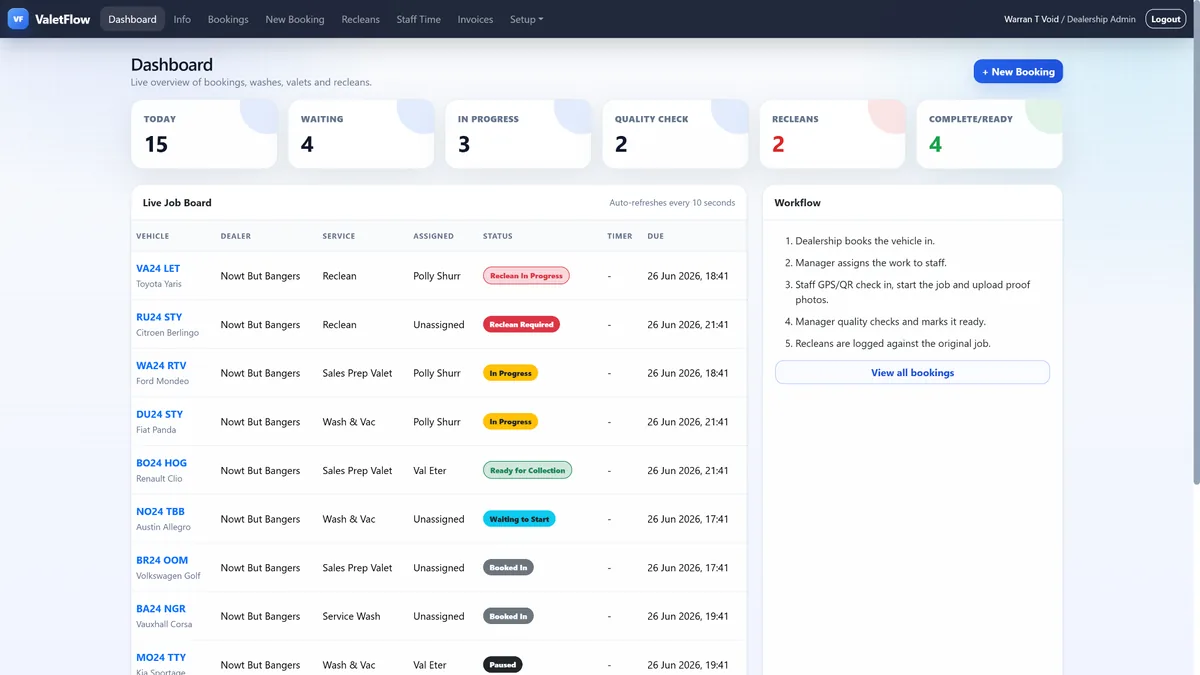
The Live Job Board gives managers and dealership users a card-based view of every vehicle currently moving through the valet workflow.
Open Live Board from the main navigation to see vehicles grouped into clear status columns: Awaiting Valet, In Progress, Quality Check, Completed, Reclean/Rework and Overdue. Each card shows the vehicle registration, make/model, dealership, service type, assigned staff member, due time, priority and current status.
Use the dealership filter at the top when you only want to view one site. The board refreshes automatically, so it is suitable for an office screen, valet bay monitor or manager tablet.
A vehicle will move into Overdue when it has passed its due time and has not reached a completed or terminal status. Reclean and rework jobs are separated so quality issues are easier to spot.
See ValetFlow in action
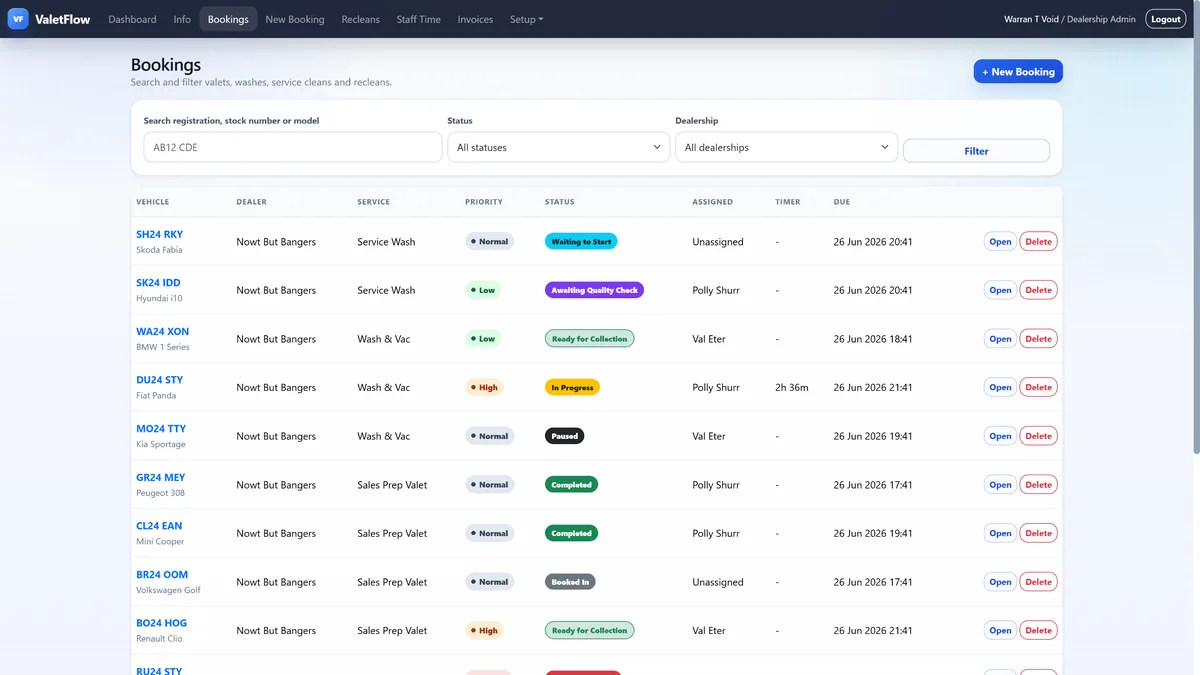
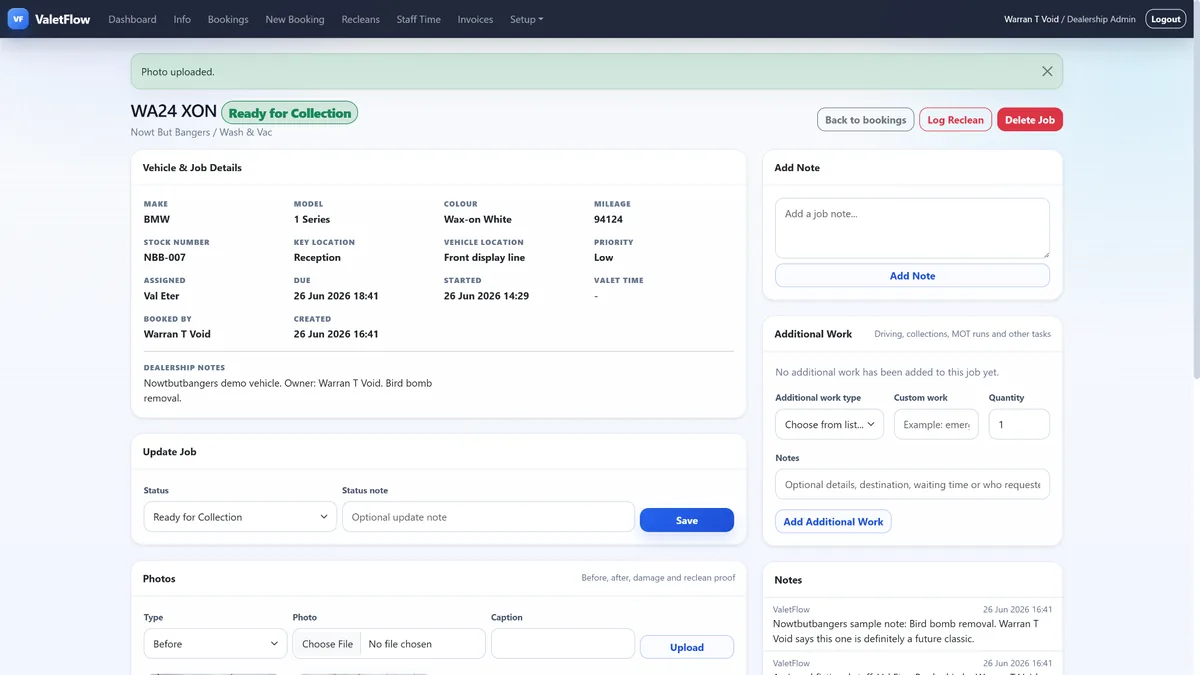
Screenshots from the ValetFlow demo/manual showing how the system looks in day-to-day use.