ValetFlow help
Dealership access and setup
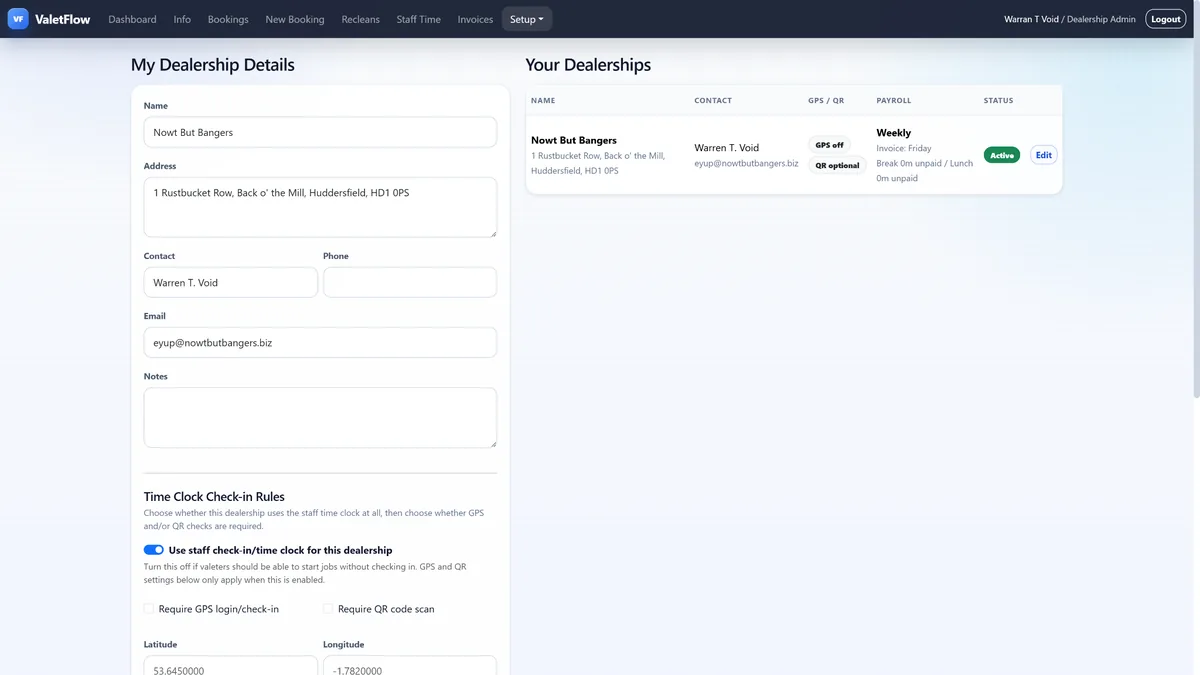
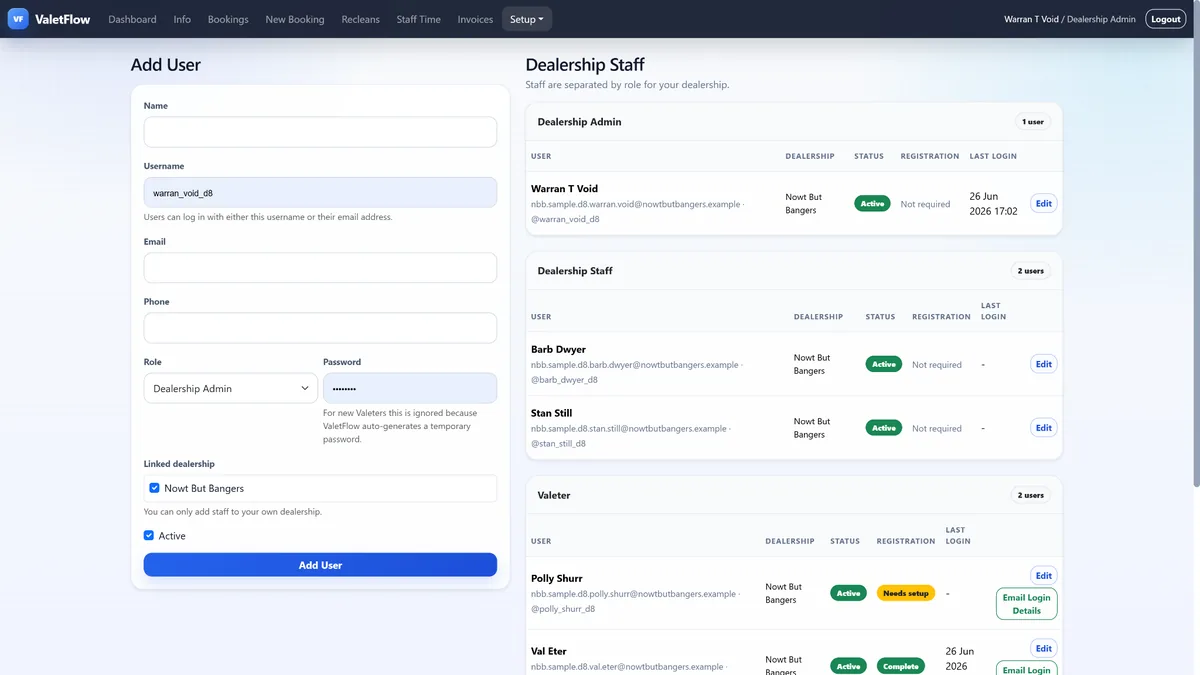
ValetFlow keeps dealerships separated so each site can have its own users, bookings, services and check-in rules.
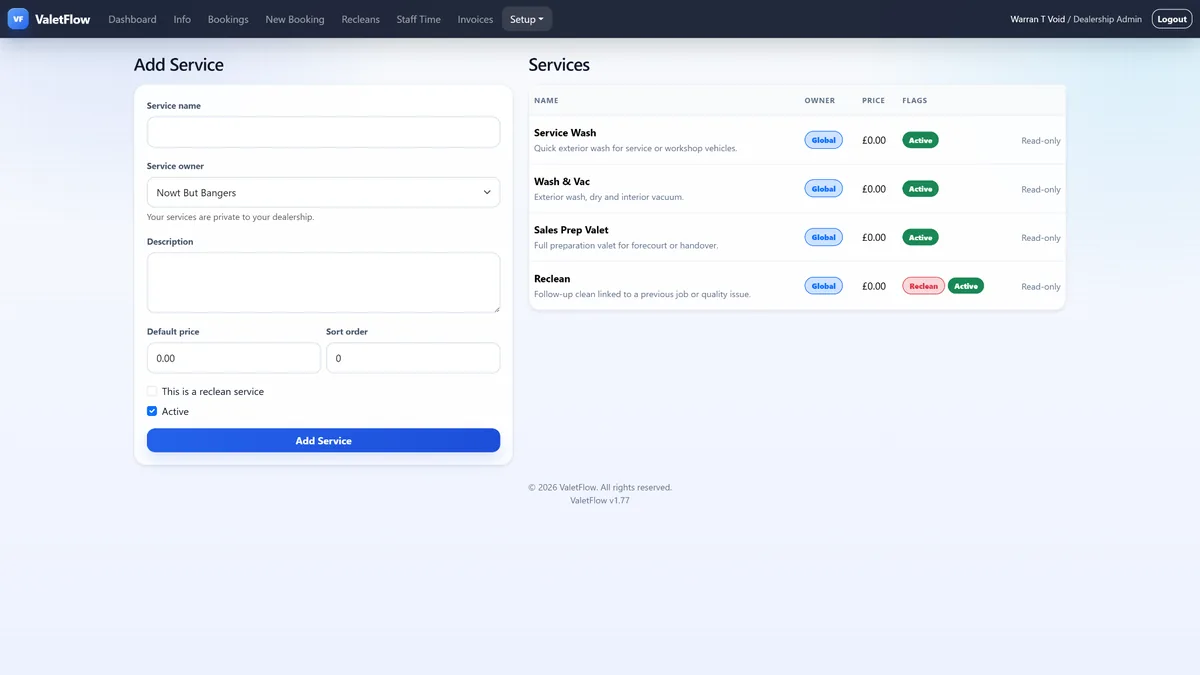
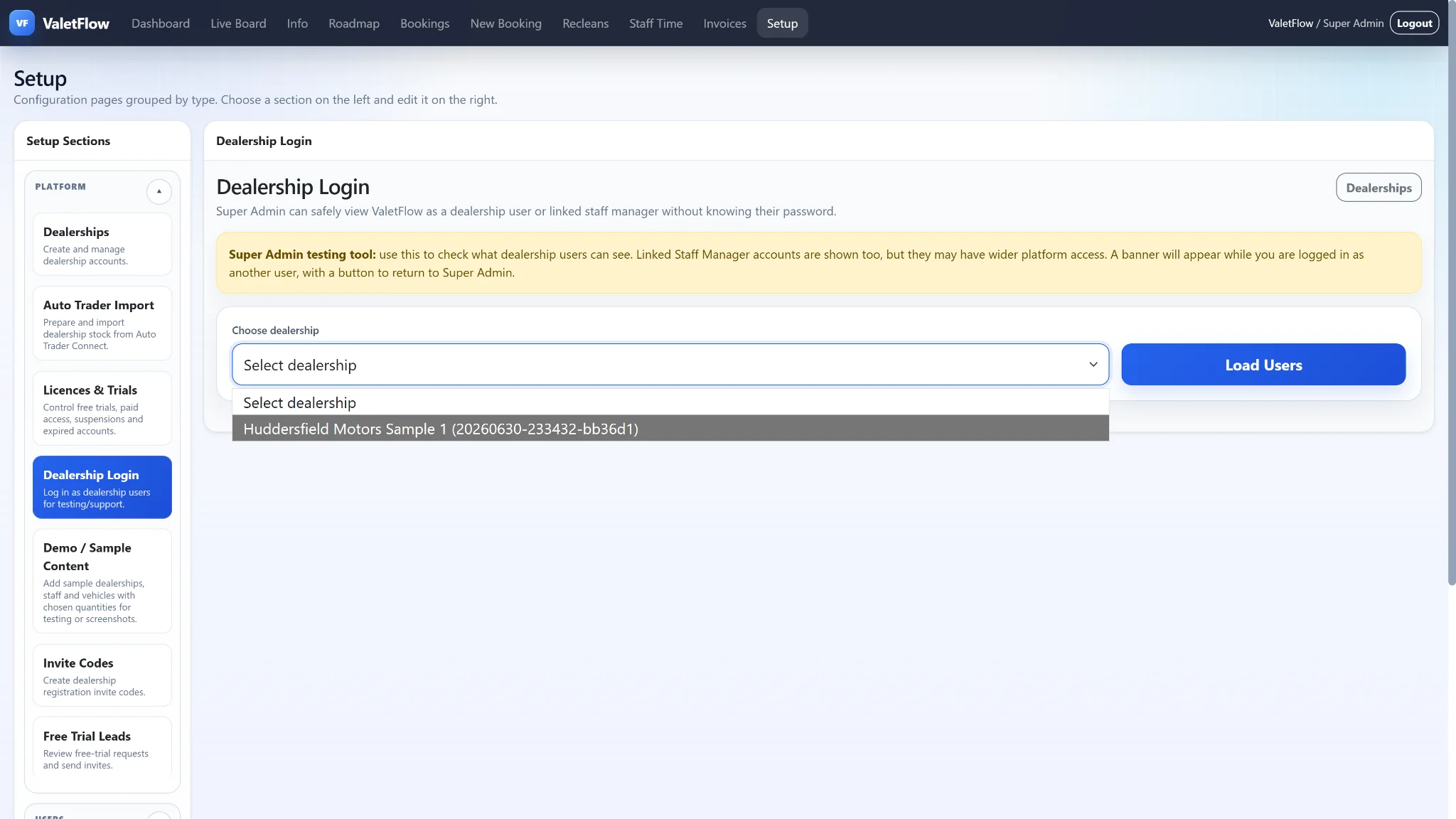
Super Admin users can create dealerships, invite users, manage dealership access and log in as linked users for testing. Dealership accounts can be configured with their own staff, services, QR codes, GPS rules and notification settings.
This is useful for a live customer account as well as a full-scale demo containing only fake data.
This is useful for a live customer account as well as a full-scale demo containing only fake data.
Product screenshots
Open the demo
See ValetFlow in action
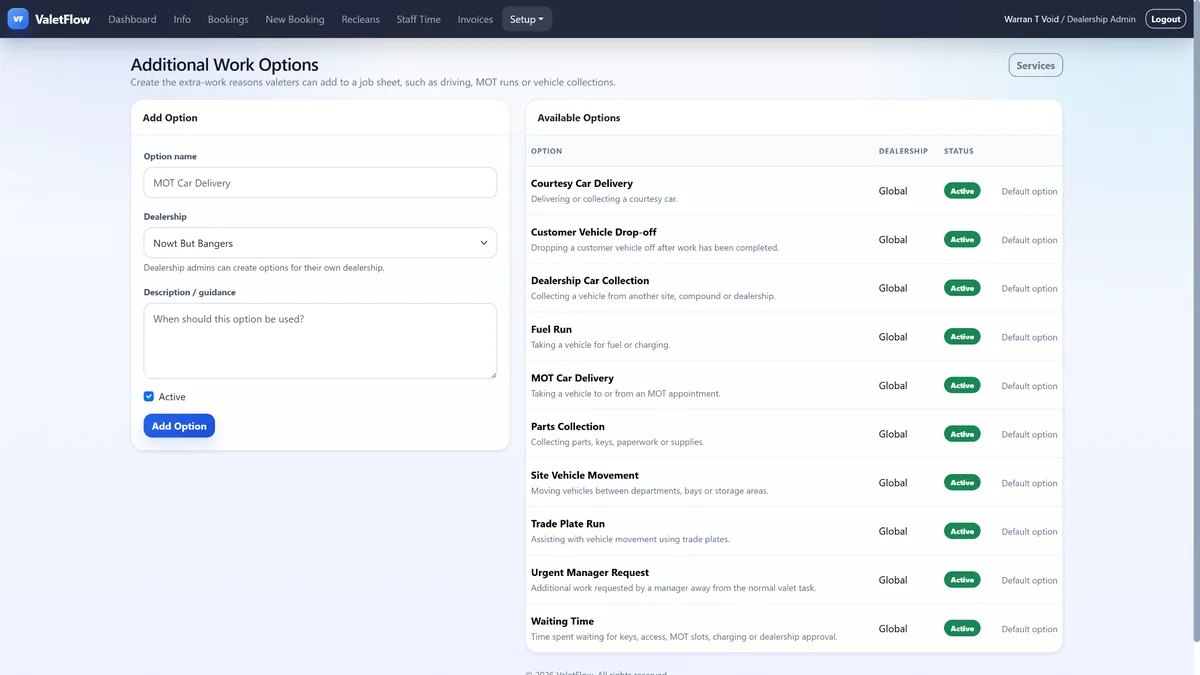
Screenshots from the ValetFlow demo/manual showing how the system looks in day-to-day use.
ValetFlow software pages
Car Valeting Management Software
Valeting Manager Software
Vehicle Preparation Software
Auto Trader Stock Import for Valeting Teams
Valeting Job Board
Valet Booking Software
ValetFlow vs Spreadsheets
Valeting Team Management Software
Mobile Valeting Software
Dealership Valeting Software
Digital Valeting Job Sheets
Public help pages
Booking vehicles into ValetFlow
Digital job sheets
Mobile and PWA staff workflow
Dealership access and setup
Reclean records
Live Job Board
Vehicle Timeline / Audit Trail
Roadmap and Feature Requests
Light/Dark Mode and Colour Themes
SEO and Google Analytics
Dealership Login Testing
Licences and Free Trials
Auto Trader Stock Import
Collapsible Sections